Features
What TrackaExpense does today
Only things that are in the app now. What is still being built lives on the roadmap.
Track every rupee, dollar or euro
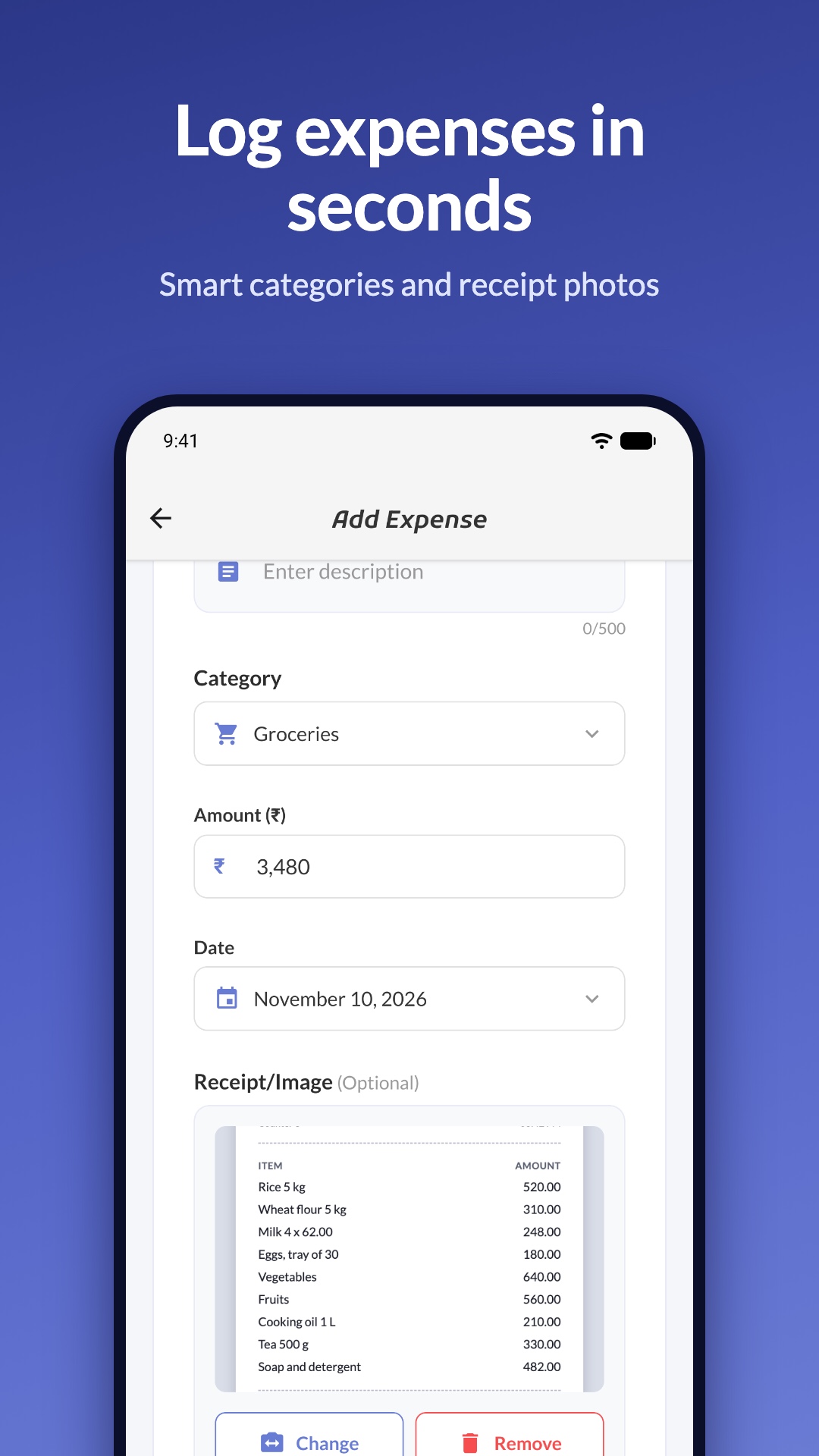
- Add, edit and delete expenses and income
- Category suggestions as you type
- Receipt photos from the camera or gallery, viewable full screen
- Tags, with search and filters by period, text or tag
- Scan a receipt to fill in the amount, date and shop, then check it before saving; works with currencies that have no decimals, such as yen and won
- Paste a bank message to fill in an expense or income, confirmed by you before anything is saved
- Credit cards: pick Paid with, see what a card owes each billing period, and mark the bill paid without counting it as spending twice
- Card bill due-date reminders, and cards in recurring expenses, splits and settle-up
- Fix my balance after a long gap with one adjustment that keeps your income and expense totals true
- Budgets with alerts at 50, 80, 100 and 120 percent
- Recurring transactions for rent, subscriptions and salary
- Export your transactions as a CSV file with exact amounts, currency, tags and payment method
- Over 20 currencies; INR is the default
Statistics that explain themselves
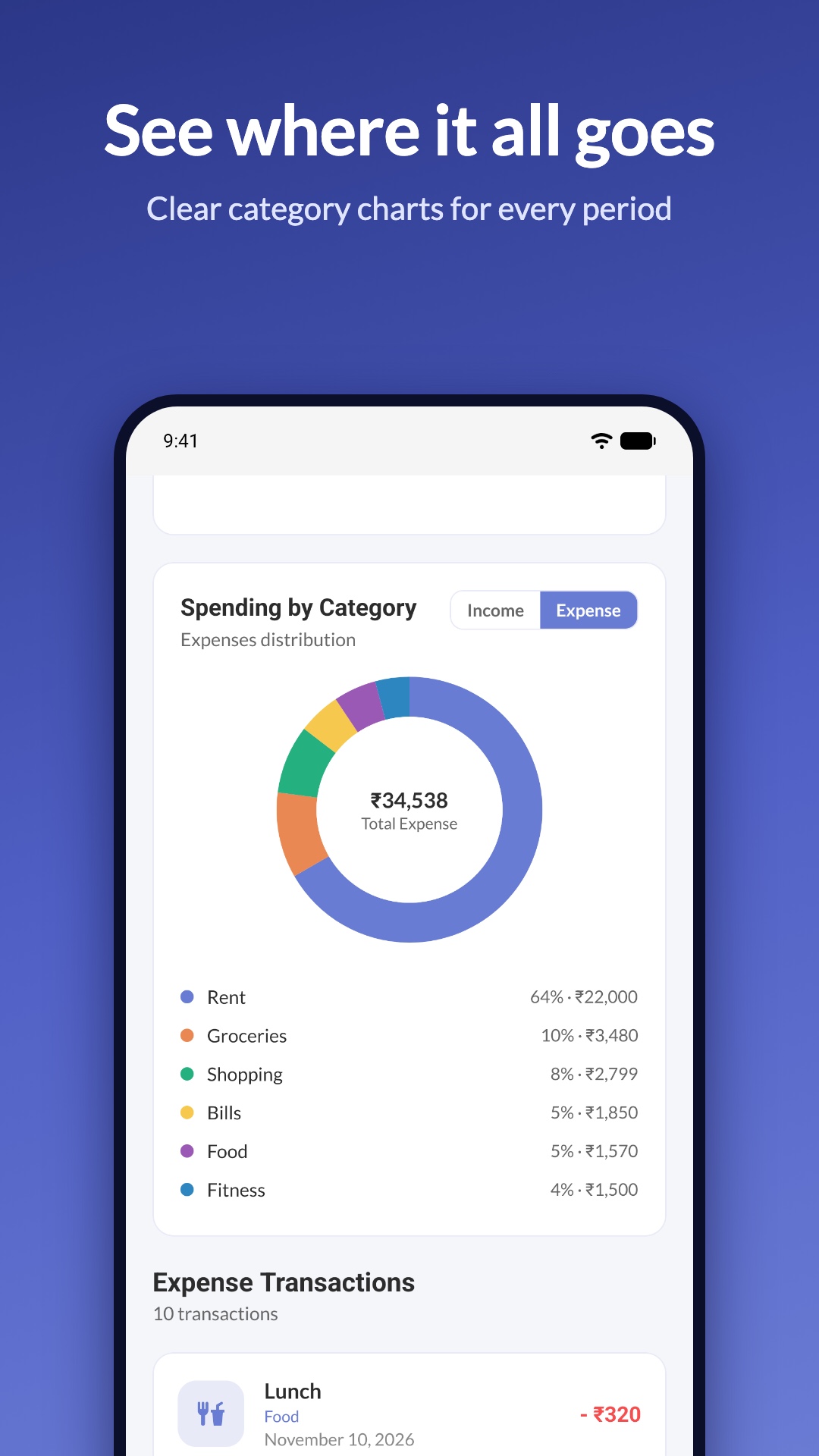
- Spending trend over time
- Category donut with an Others slice
- Top merchants
- Calendar heatmap of busy days
- Last 7 days, 30 days, all time or a custom range
- Every chart adds up to the same total
Shared expenses without the maths
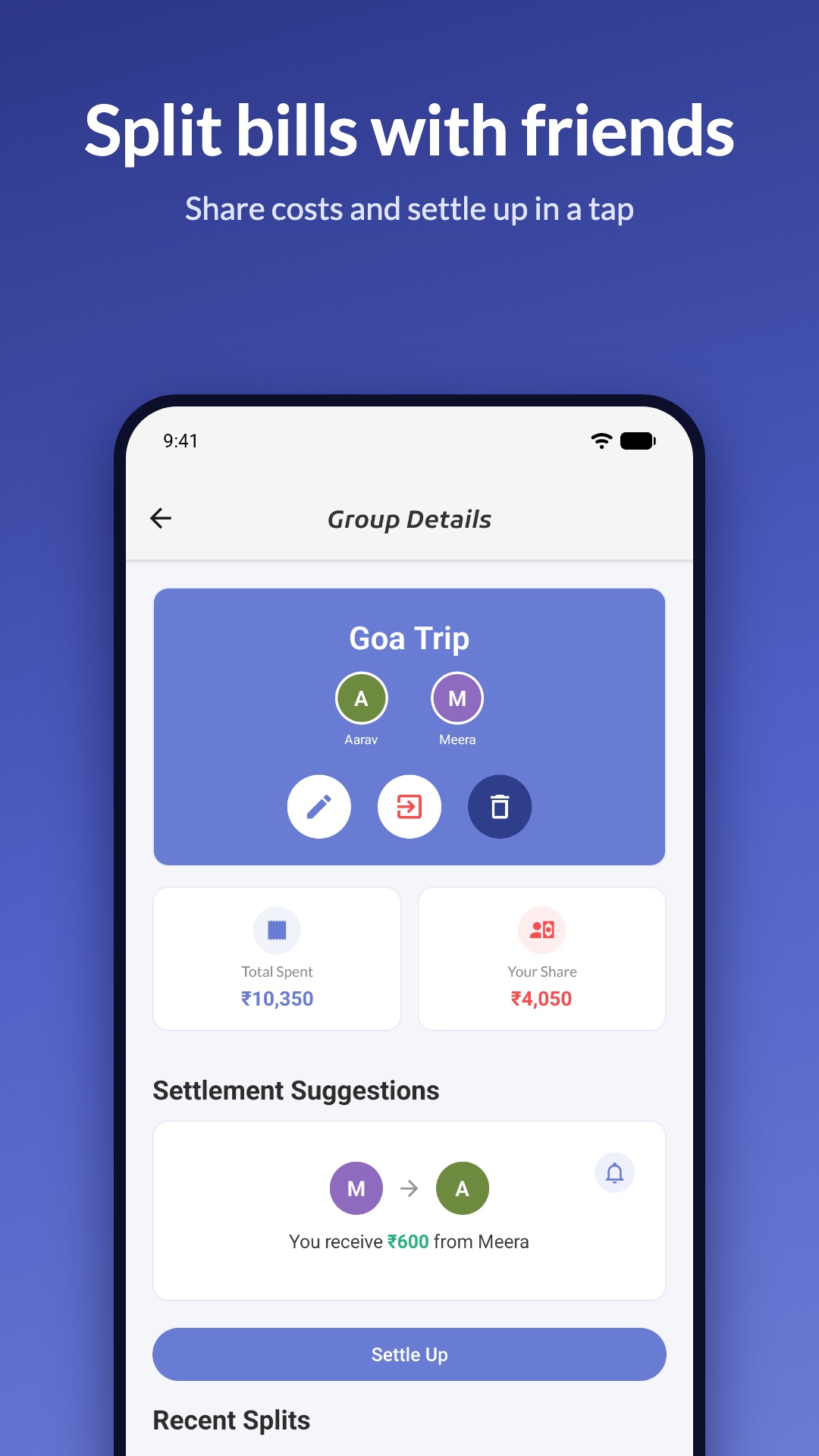
- Groups with email invitations or a shareable invite link
- Even or percentage splits that always sum to the total
- Suggested settle-up payments, recorded for both people
- Split history and a friends and balances overview
- IOUs for one-off loans
- Push notifications for group activity, a weekly and monthly summary, and settle-up reminders, timed to your own time zone
- Switch the evening reminder and the card bill reminders on or off from Profile
- Group splits export as a CSV file
Savings goals that stay in view
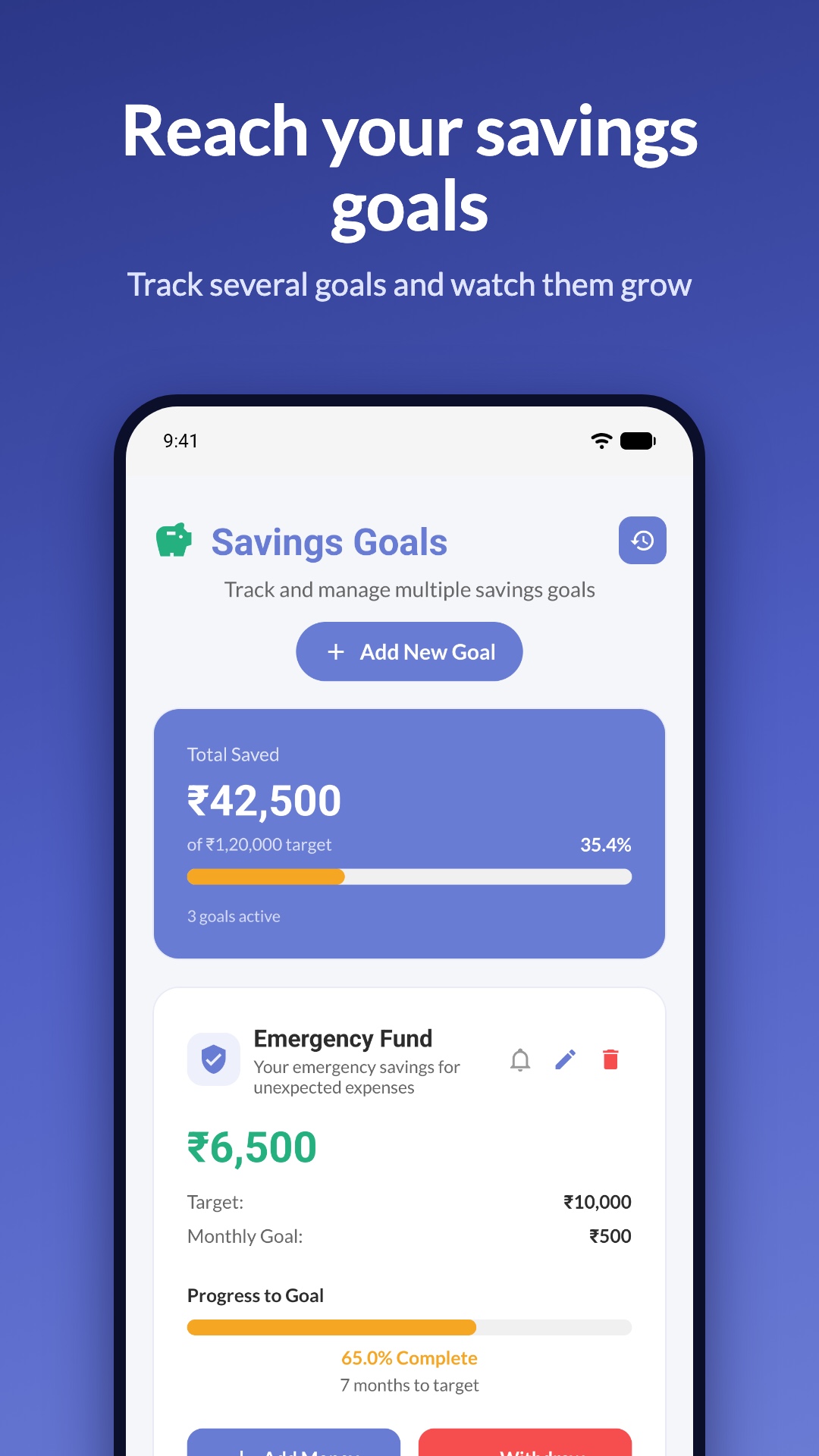
- Multiple goals with a target and a monthly amount
- Deposit and withdraw, with a full history
- Months-left estimate at your current pace
- Optional reminders
- A notification when you reach a goal
And the basics, done properly
- Sign in with email or Google
- Light, dark or follow-the-phone theme
- Works with your last data when you are offline
- Account and data deletion from inside the app